
Free tool
Free Save the Date poster maker
Announce the date on Instagram or your WhatsApp status. Wedding season is busy, so we kept this simple: add your couple photo, your names and the date, pick a style, download, copy a caption and post. Free, no sign-up, and your photo never leaves your phone.
How it works
Save the Date Instagram post in 3 steps
Step 1
Add your couple photo
Drag it into place and zoom if you like. It stays on your phone.
Step 2
Your names and the date
The calendar circles your day by itself.
Step 3
Download and post
Reel, post or status size. Later, count down the days with the same tool.
Popular styles
More free posters
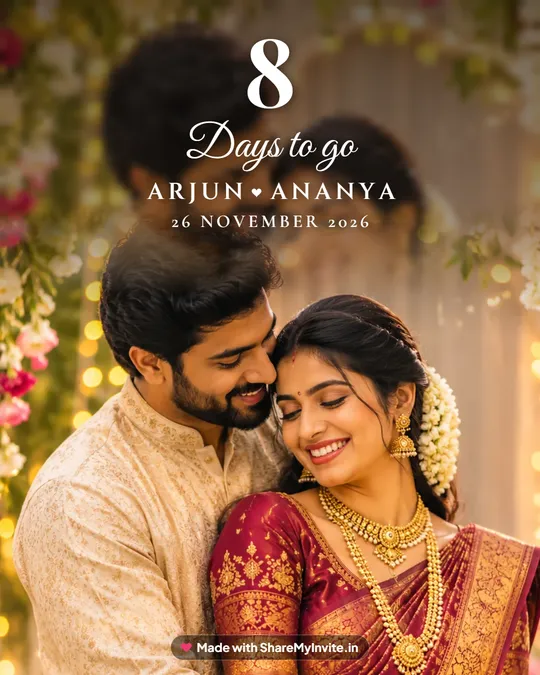
Wedding countdown poster
26 styles, from golden hour to temple gold.
Make it free
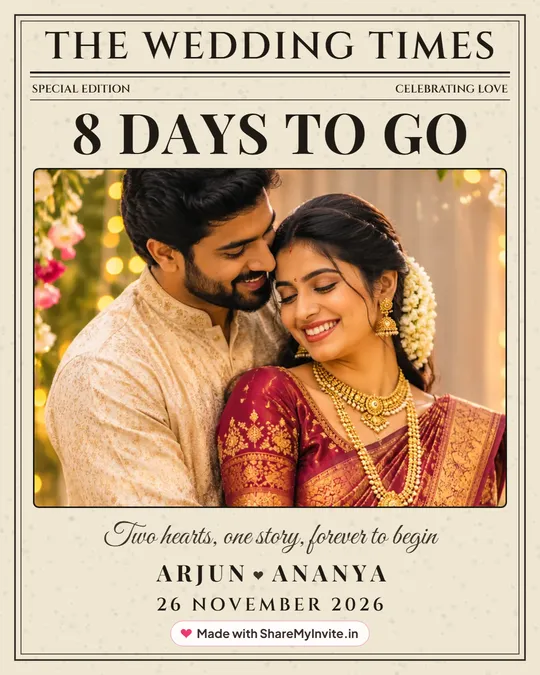
Wedding newspaper poster
The Wedding Times, with your news on the front page.
Make it free
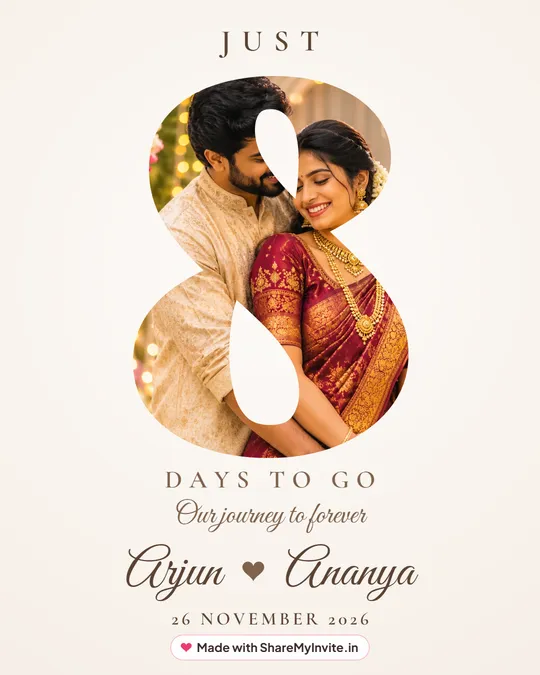
Photo inside the number
The trending one: your photo inside the number.
Make it free
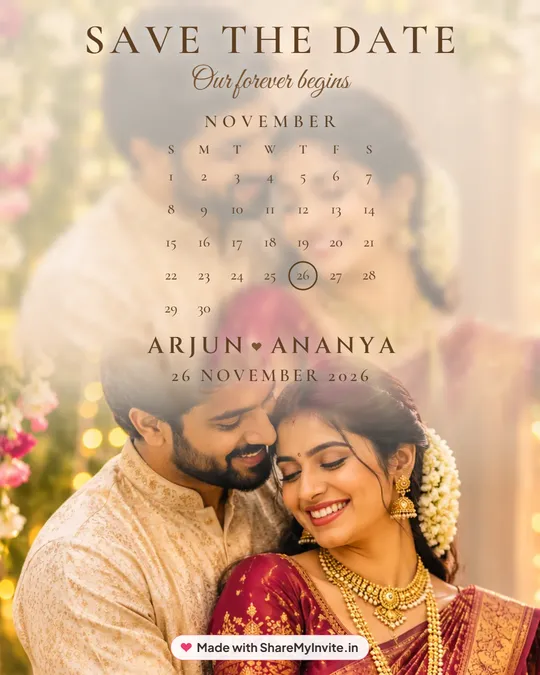
Save the Date calendar poster
Your wedding month, with the day circled.
Make it free
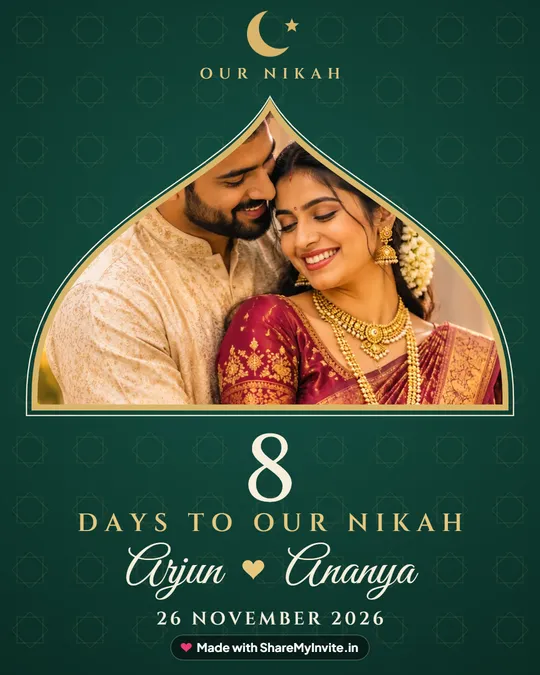
Nikah countdown poster
A Mughal arch and crescent, Days to our Nikah.
Make it free
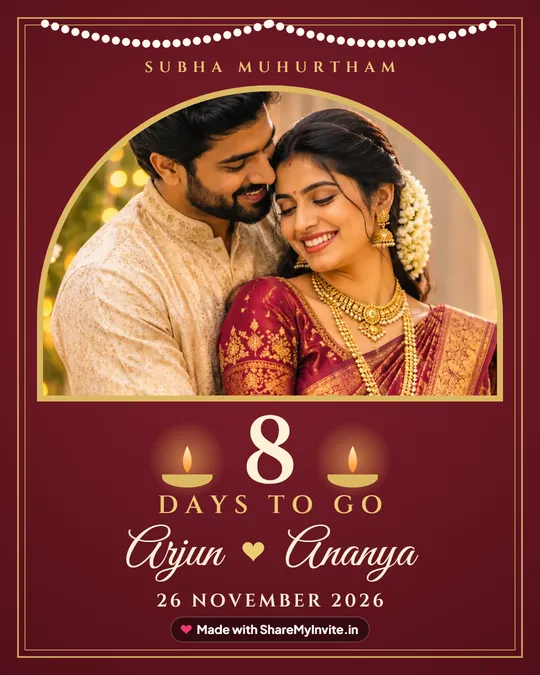
Hindu wedding countdown poster
Temple gold, brass lamps and Subha Muhurtham.
Make it free
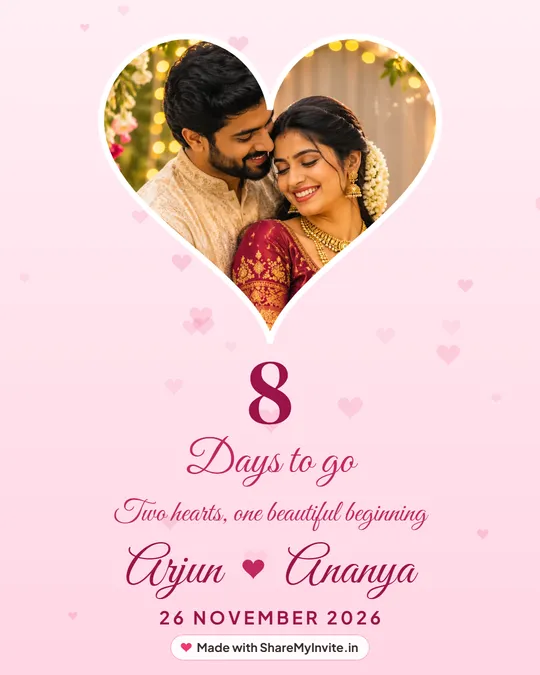
Heart frame couple poster
Your couple photo in a heart, soft and romantic.
Make it free
26
styles in the maker
Hearts, florals, temple, church, Nikah and more.
Try them all
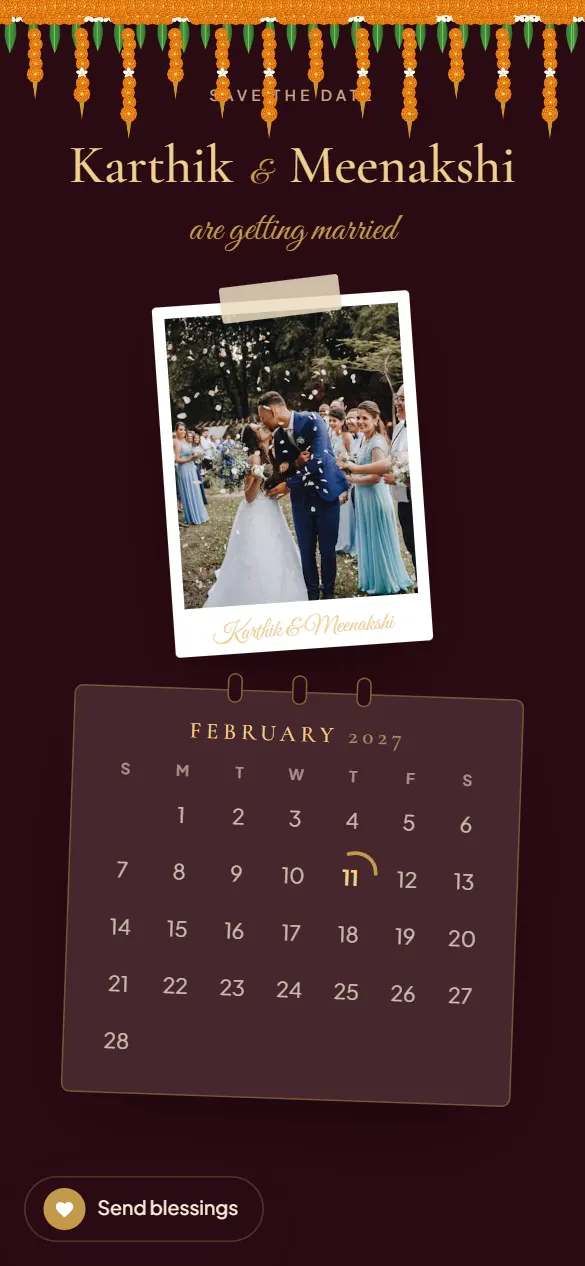
Want guests to save it properly?
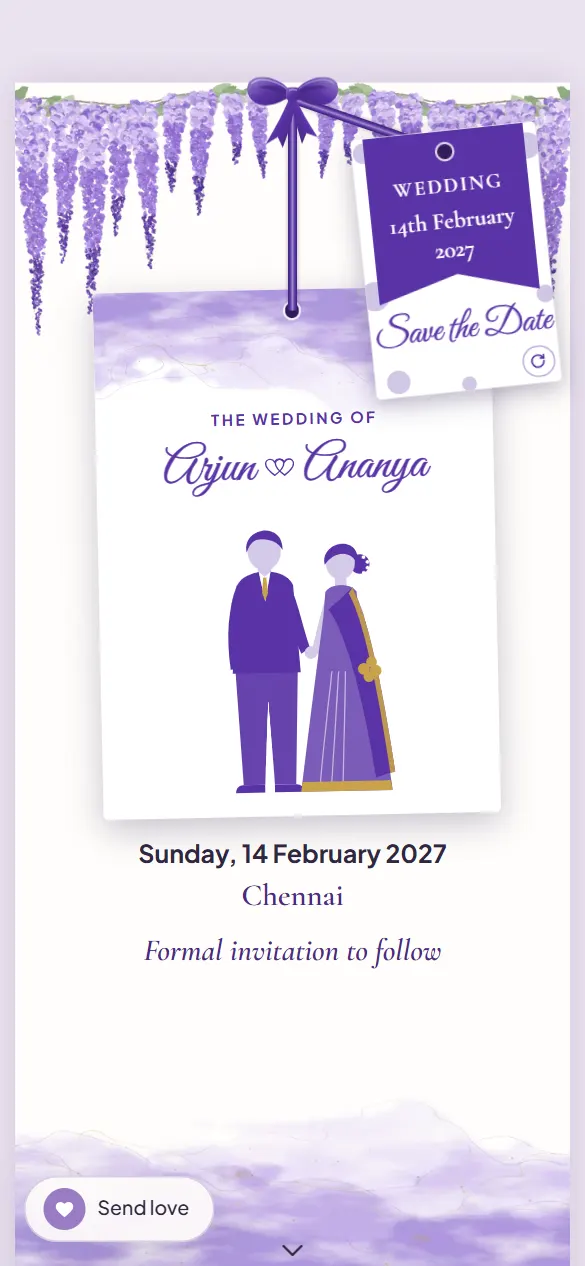
A Save the Date link that becomes your invitation
A page guests open from WhatsApp, made in the same design as your wedding invitation. When your dates are final, the same link becomes the full invitation.
- A countdown guests see every time they open it
- Add to calendar in one tap
- Turns into your wedding invitation on the same link
Need a caption? 60+ wedding countdown captions.
Questions
Is it free?
Yes. Make and download as many Save the Date posters as you like, with no sign-up. A small ShareMyInvite.in mark sits at the foot of each one.
Is my photo uploaded anywhere?
No. The poster is made in your browser, on your phone. Your photo never leaves it.
Which sizes can I download?
Instagram Reel, Story or WhatsApp status (9:16), an Instagram post (4:5), and a square (1:1) for Threads or Facebook.
Can I show a calendar with our date circled?
Yes. The Sunset calendar style shows the month with your wedding day circled, over your couple photo.
What is the difference between this and a Save the Date link?
This makes a picture to post. A Save the Date link is a page guests open, with a countdown and Add to calendar, that later becomes your full invitation on the same link.