
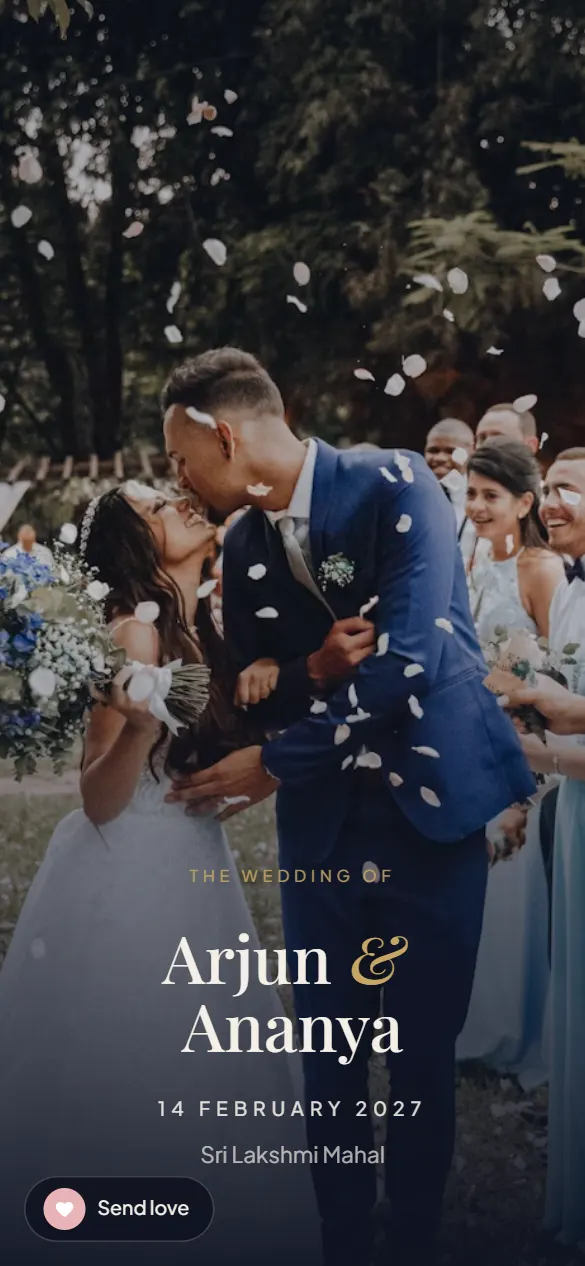
Made for weddings in USA
US weddings spread across a weekend (a rehearsal dinner on Friday, the ceremony and reception on Saturday, a brunch on Sunday) often at two venues with guests flying in from three time zones. Each event gets its own card with the address, a Directions button that opens Apple or Google Maps, the time in your zone (Eastern, Central, Mountain or Pacific), and a note for dress code or parking; the calendar button lands the event correctly on a phone in California or Chicago. Spell the month out, 06/12 reads differently across the world. Indian-American weddings add a baraat and a mandap, usually at a hotel or a temple like BAPS Robbinsville or the Sri Venkateswara Temple in Pittsburgh, with grandparents in Chennai or Hyderabad watching the pheras live at their morning, the live-stream button on the ceremony card covers them. Payment is by card, converted to your own currency at checkout.
The ceremonies, each on its own card
- Engagement party
- Rehearsal dinner
- Ceremony
- Cocktail hour, dinner & dancing
- Farewell brunch
Every card carries the date, time, venue, a Directions button, Add to calendar, an optional catering note and, for the ceremony relatives abroad will watch, a Watch live button that goes live by itself.
Live preview, scroll it like a guest would.
Wording you can start from
Emma and Daniel, together with their families, invite you to celebrate their wedding on Saturday, June 12, 2027 at 4:00 PM at Rosewood Gardens, Austin, Texas. Cocktail hour, dinner and dancing to follow. Directions, the weekend schedule and the live stream: [link]
More samples in the wording guide.
What every plan includes
- Animated intro and walk-in finale, on every design
- Bride and groom portraits with names
- Unlimited events with directions, calendar and catering notes
- Live stream link (YouTube, Zoom, Meet)
- Blessing wall where guests leave wishes
- Personalised guest links and a QR code for printed cards
- Countdown, WhatsApp preview card, 1 year of hosting, unlimited edits
Free to build. Pay once, only when you share the link.
Create your invitationFAQ
Do guests need WhatsApp?
No. It is a normal link. Send it by text, email or any app. The Share button opens the phone’s share sheet (iMessage, SMS, email), and there is a one-tap Email option.
Will the countdown use my time zone?
Yes. Set the events’ time zone once in the editor (Eastern, Central, Mountain or Pacific) and the countdown, the calendar file and the live-stream button all run in it.
Can family abroad watch live?
Yes. Paste a YouTube Live link on the ceremony card; the button switches to Live now automatically and plays inside the invitation on any phone.
How do guests open it?
As a normal link in WhatsApp. It opens in the built-in browser on any phone, no app or download. A preview card with your names shows before it is tapped.
What does it cost?
One payment, no subscription. Plans start at ₹299 with every feature above; Photos & Music and Video are the two plans above it, and a Save the Date is credited in full when you upgrade. A year of hosting and unlimited edits are included.
Can I change details after sending?
Yes. Open the edit link from your email, change anything, save. The same link updates for everyone.