
Free tool
Your couple photo inside the number
The countdown poster everyone is posting: a giant number cut out of your couple photo, with JUST above it and DAYS TO GO below. Add your photo and your date, and the number fills itself with the two of you.
Wedding season is busy, so we kept this simple: add your photo, names and date, download, copy a caption and post.
Why this style works so well
The number is the news, and your photo is the story. Putting one inside the other says both at a glance: how long is left, and who it is for. The cream background and fine lettering keep it calm and elegant, so it sits well in any feed, from a simple engagement profile to a wedding page with thousands of followers.
It also changes every time you post it. The photo stays the same, the shape of the number changes, so 30, 15, 8 and 3 all look different while clearly belonging to one series.
Choosing a photo that fills the number
Because the photo only shows through the shape of the digits, some pictures work better than others.
- Pick a photo where your faces are close together and near the middle of the frame.
- Avoid very dark photos: the number needs light and colour to stand out against the paper.
- A single digit, like 8 or 3, shows less of the photo than two digits. Zoom in a little so your faces fill it.
- Drag the poster to move the photo until your faces sit in the widest part of the number.
When to post it
The most popular milestones are 100, 50, 30, 15, 10, 8, 7, 3 and 1 day to go. Many couples post the first one when the invitations go out, then speed up in the last two weeks. Months work too: switch the count to months for 6 months or 3 months to go.
Make it yours
Change the line under the countdown, from Our journey to forever to something in your own words. Pick a font for your names and the number, change the text colour, or choose a different size for a Reel or a square post. Everything stays readable: the maker never lets text overlap.
Popular styles
More free posters
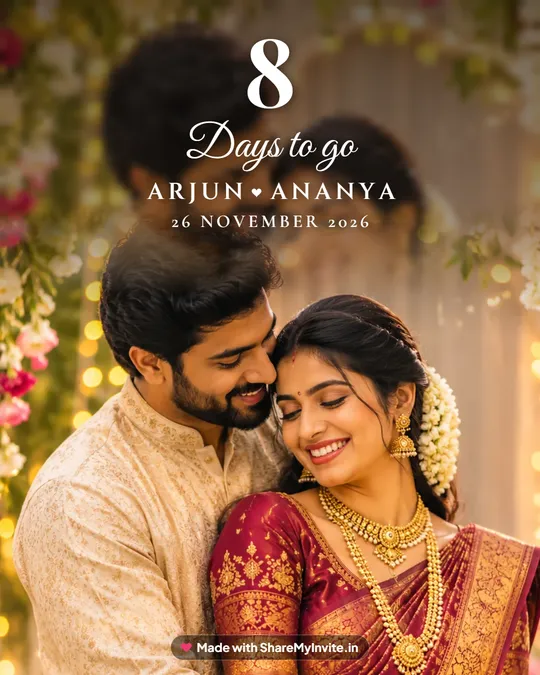
Wedding countdown poster
26 styles, from golden hour to temple gold.
Make it free
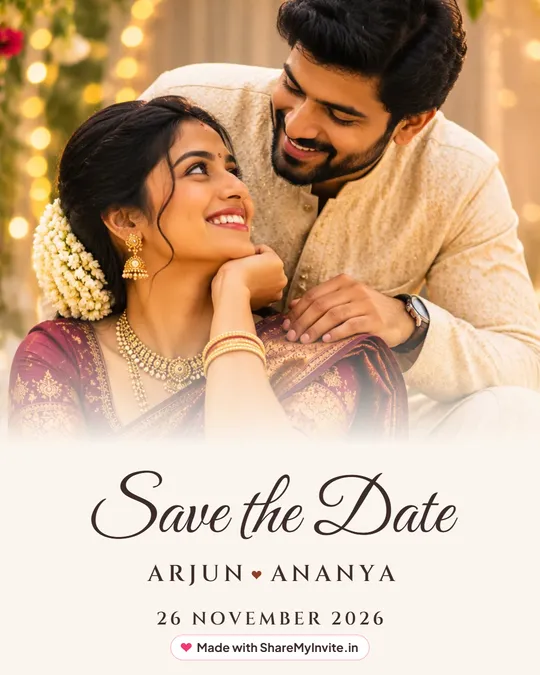
Save the Date poster
Announce the date with your couple photo.
Make it free
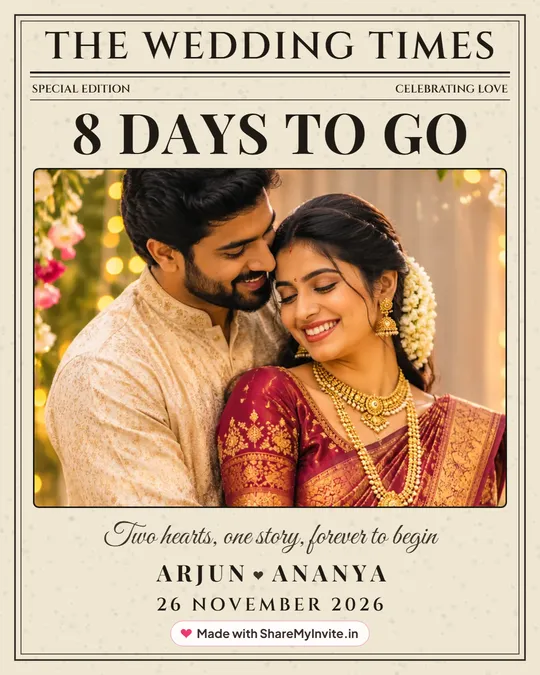
Wedding newspaper poster
The Wedding Times, with your news on the front page.
Make it free
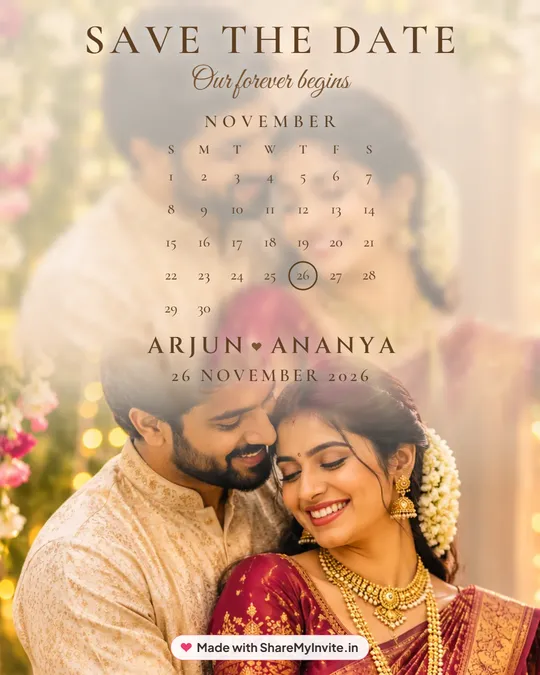
Save the Date calendar poster
Your wedding month, with the day circled.
Make it free
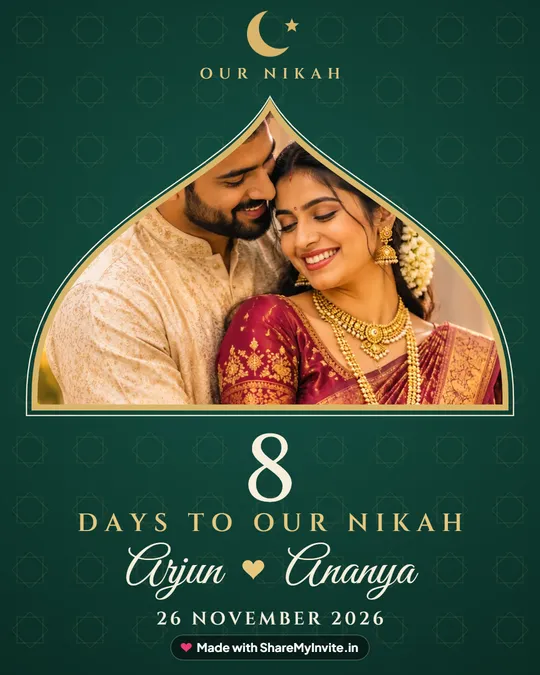
Nikah countdown poster
A Mughal arch and crescent, Days to our Nikah.
Make it free
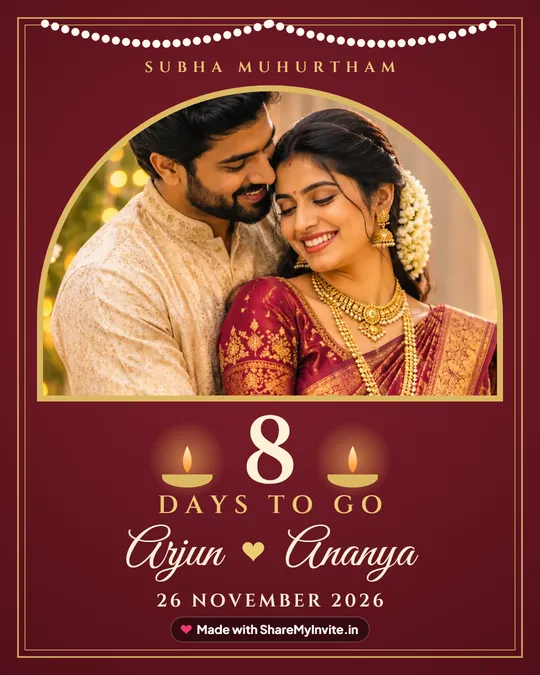
Hindu wedding countdown poster
Temple gold, brass lamps and Subha Muhurtham.
Make it free
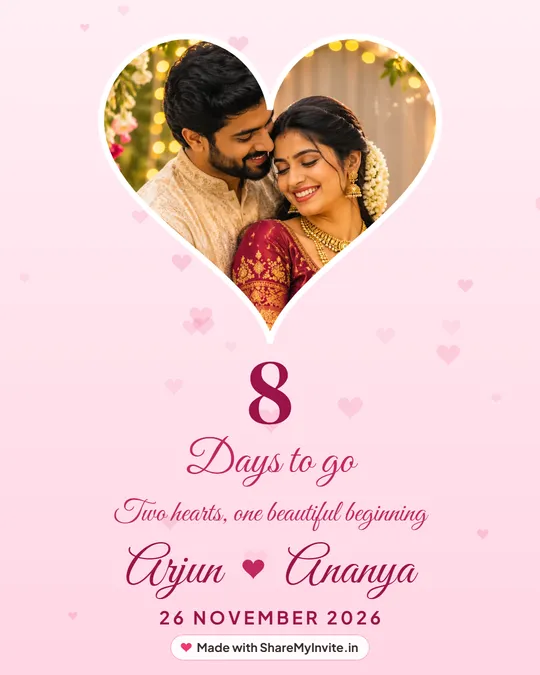
Heart frame couple poster
Your couple photo in a heart, soft and romantic.
Make it free
26
styles in the maker
Hearts, florals, temple, church, Nikah and more.
Try them all
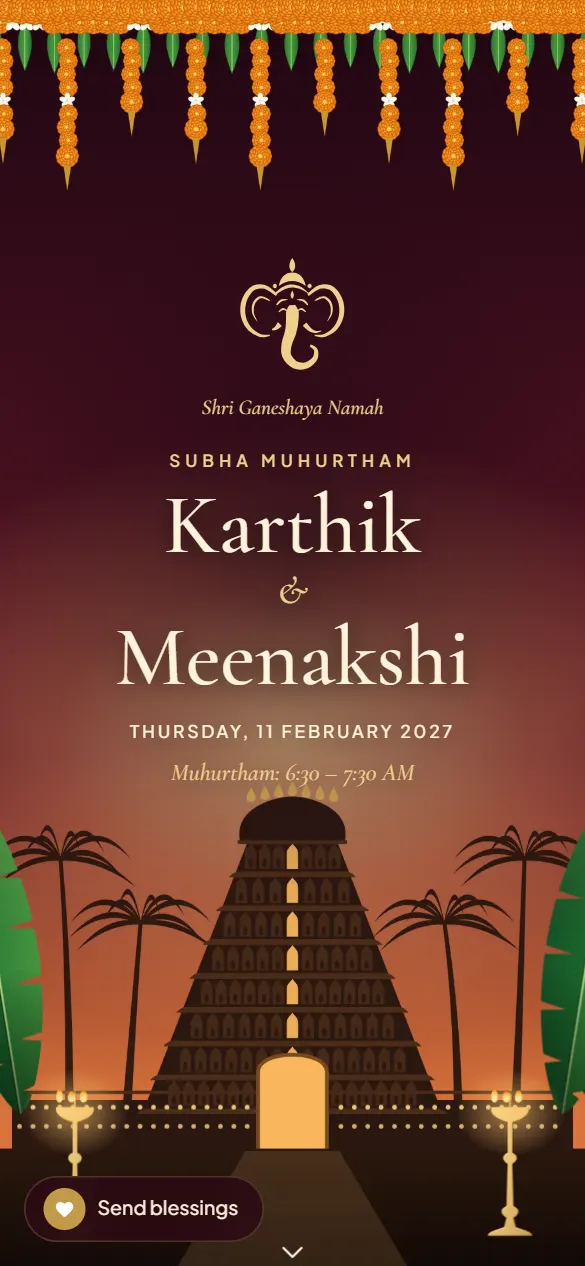
After the countdown
Now, the invitation your guests will open
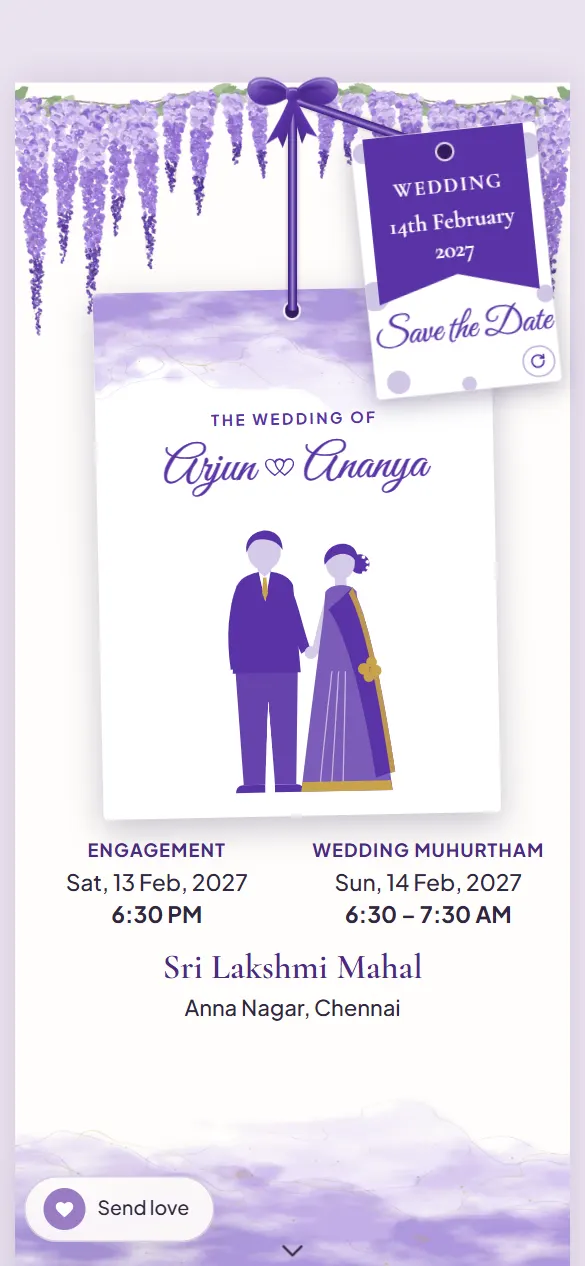
The same names, the same date, and an invitation that opens like real stationery the moment a guest taps your link on WhatsApp.
- Every ceremony on its own card, with directions
- A live stream for family who can't travel
- A blessing wall guests fill with wishes
- Free to build. Pay once, only when you share it
Need a caption? 60+ wedding countdown captions.
Questions
How do I put my photo inside the number?
Add your couple photo and your wedding date. The maker cuts the number out of your photo automatically. Drag the poster to move the photo, and use Zoom to fill the digits.
Does the number update by itself?
Yes. It is counted from your wedding date and today's date. Come back any day and download the new number in seconds.
Can I say months instead of days?
Yes. Choose months or weeks in The words step, for example 3 months to go.
Is it free?
Yes, free with no sign-up. Your photo stays on your phone.