
How it works
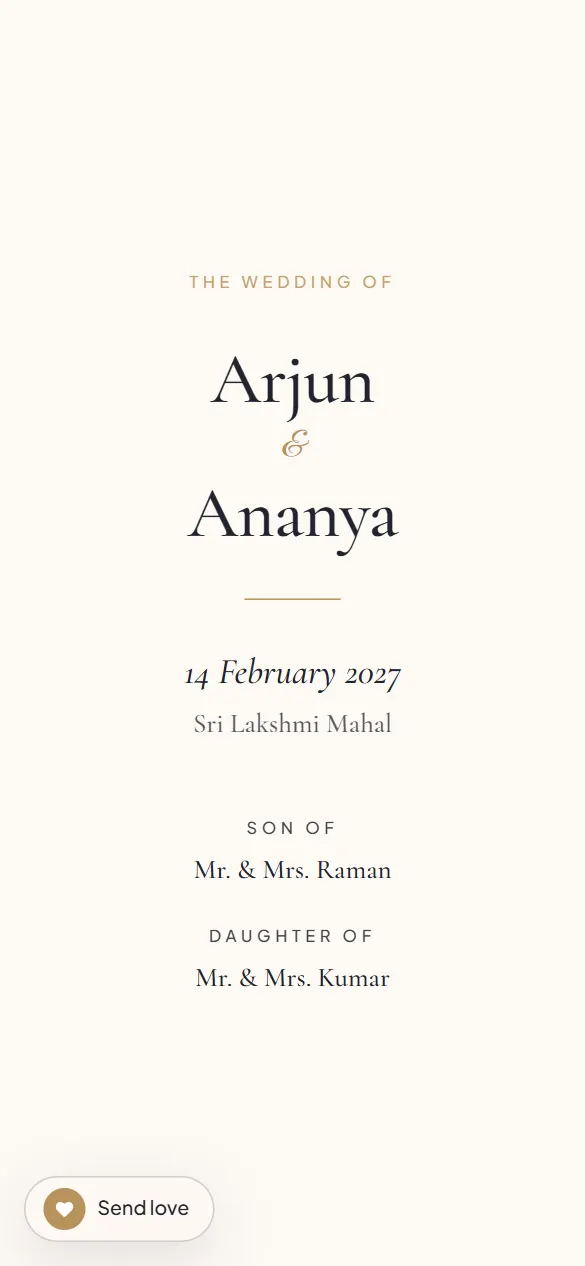
Your invitation has one link. Add a name to it, the success page does this for you, and the same page opens with a greeting at the top: Dear Ravi Uncle & family,. Nothing else changes; there is nothing to edit or publish. Two hundred families, two hundred greetings, one invitation.
The flow
- Publish. On the success page, find Send a personal invite.
- Type Ravi Uncle & family. Tap Share.
- WhatsApp opens with the message ("Dear Ravi Uncle & family, we are getting married…") and the personalised link. Choose the chat, send.
- Next family.
Live preview, scroll it like a guest would.
Why it matters
A personal message roughly doubles the chance the invitation is opened the same day. It is also the difference between "we were invited" and "they invited us", which, for the elders, is the whole point.
Personalised links are on every plan.
Create your invitationFAQ
Do I have to make a separate invitation for each family?
No. It is one invitation; the name travels in the link and appears as the greeting.
Can I turn the greeting off?
Yes, the Personalised guest links switch in the editor.
Does the greeting work in Tamil?
Yes. Type the name in any script.